Use your joystick or keyboard. Every essential control is also available in the flight-controls dock. Your Logitech assignments are under Settings → Controls.
FLIGHT
Pitch / Roll / RudderW S / A D / Q E
Engine throttle↑ ↓
Flaps / Landing gearF / G
Hold wheel brakesB
Elevator trim[ ]
Start / Stop engineR
CAMERA & MISSION
Camera / Reset viewC / V
Moving navigation mapN
Fighter HUDH
Gun · holdJ
Airbrake / spoilersX
Carrier hookK
Pause / resumeP
Your aircraft equipment is shown here.
FLIGHT ANALYSIS
Landing complete
A safe approach and touchdown.
84/ 100
ONLINE 3D FLIGHT SIMULATOR
Choose your flight.
FLIGHT PLANNING
Choose your aircraft
AIRCRAFT HANGAR
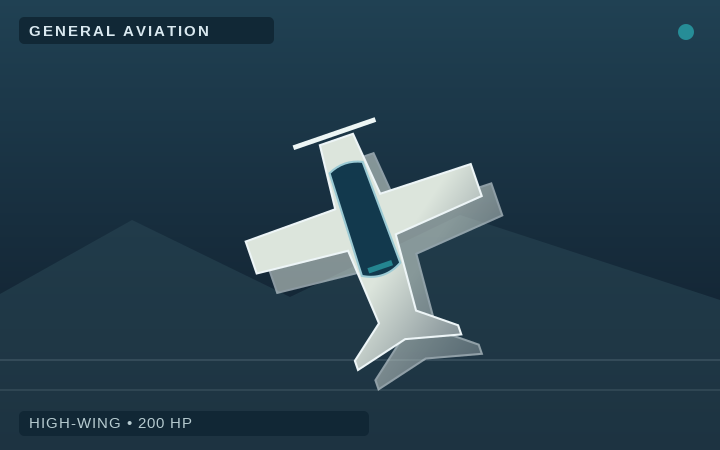
Aster A200RG
GENERAL AVIATION
WIND · 0 ktFROM
FIGHTER MISSION
Join a tanker, match closure and hold the contact zone for 11 seconds.
600 rounds · J to fire · hostiles can shoot back.
SELECT A LANDING SCENARIO
FINAL APPROACH CONFIGURATIONEDIT BEFORE STARTING FLIGHT
Runway, wind, target speed and headings will appear in the flight guide.
SCORING · touchdown rate 30% · centerline and heading 25% · speed and stability 25% · touchdown zone 20% · pass at 65/100. Severe impacts remain unsafe.
CHOOSE AN AIRCRAFT
FLIGHT PAUSED
Flight paused
PERSONALIZE YOUR EXPERIENCE
Settings
The fixed VFR view uses a calibrated horizontal perspective and an airframe-relative eyepoint, not a tower-height camera or artificial camera pitch. Hold RIGHT MOUSE and drag to look around; V resets straight ahead. PATH shows actual ground-referenced flight-path angle, not nose attitude.
WebGL2 automatically uses the browser's selected GPU. For laptops with both integrated and dedicated graphics, set Edge or Chrome to High performance in Windows Graphics settings.
Searching for flight controllers…
Your Logitech Extreme 3D Pro is selected automatically when visible. Press a joystick button to activate it, then use LEARN to assign each axis. Raw and processed inputs are displayed live. Never assume a numbered axis is the throttle.
PROCESSED FLIGHT CONTROLS · LIVE FEEDBACK
ROLL —
PITCH —
RUDDER —
THROTTLE —
Select LEARN · MOVE beside a control, then move only that joystick axis. For throttle, slide from one end toward the other.
JOYSTICK BUTTON MAPPINGS
RAW DEVICE ACTIVITY
BUTTONS: none pressed
Calibration workflow: bind each axis → move every axis to both stops while calibrating full range → release stick to neutral and calibrate center → verify the four live meters move correctly.
Keyboard: J gun · W/S pitch · A/D roll · Q/E rudder · ↑/↓ throttle · F flaps · G gear · B brakes · [ / ] trim · C camera · I panel · P pause.
Subtle at normal cruise; stronger at high power and low airspeed. Zero disables the extra modeled propeller left-turning effects.
Audio uses synthesized engine and airflow effects; no external downloads or account required. Flight progress and settings are saved locally.
Your joystick profile is saved locally
Graphics unavailable
Your browser does not support WebGL2, or 3D acceleration is disabled. Please open SKYBOUND in an up-to-date version of Microsoft Edge or Google Chrome with graphics acceleration enabled.