Free Flight
Start on a runway, in the air or from parking at a compatible airfield. Adjust weather, wind, time of day and ambient traffic.
 Play SKYBOUND
Fly over the fictional Greyhaven region in a light aircraft, turboprop, civilian airliner or fighter jet. SKYBOUND is a single-player browser flight simulator with configurable weather, interactive cockpit instruments and landing feedback. No game installation is required for the hosted version.
Start on a runway, in the air or from parking at a compatible airfield. Adjust weather, wind, time of day and ambient traffic.
Practise short-field, crosswind, coastal, night and airliner approaches. Fighter pilots can also attempt a carrier landing. Review touchdown speed, descent rate and runway alignment.
Fly dogfight scenarios with configurable opponents, or join a moving tanker for air-to-air refuelling. These missions use the Vesper fighter.
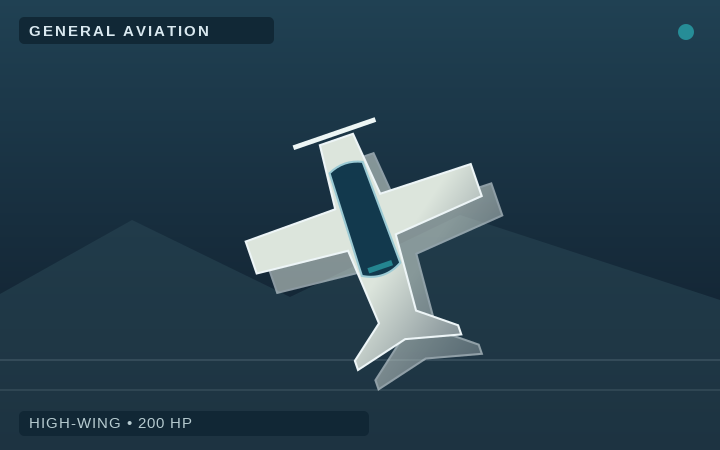
Single-engine touring aircraft for general aviation and VFR practice.
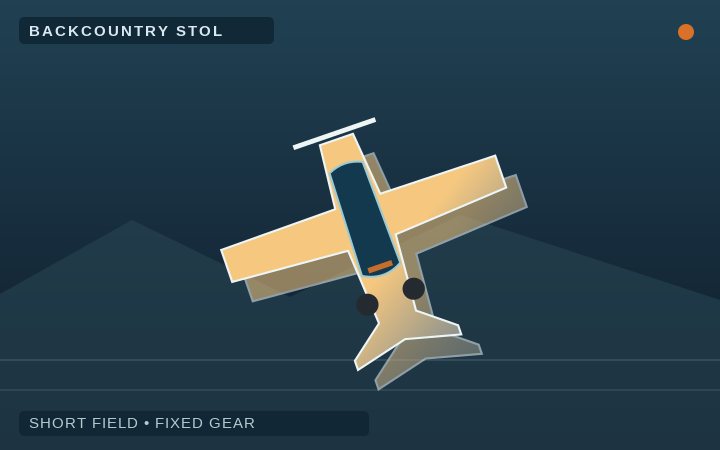
Light utility aircraft suited to low-speed and short-field practice.
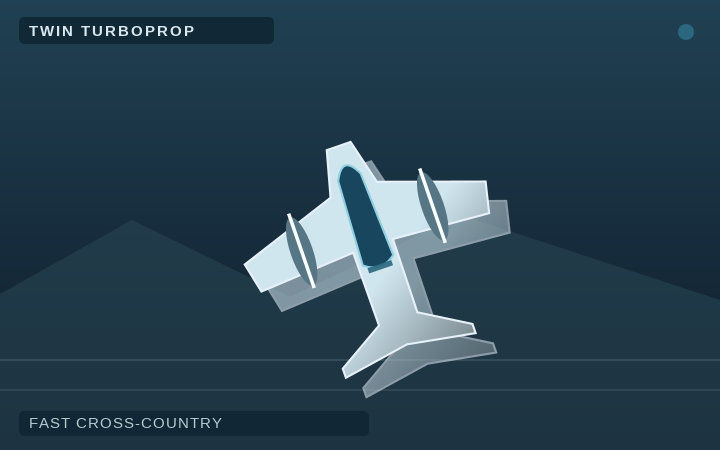
Turboprop with a faster cruise, HUD and spoilers.
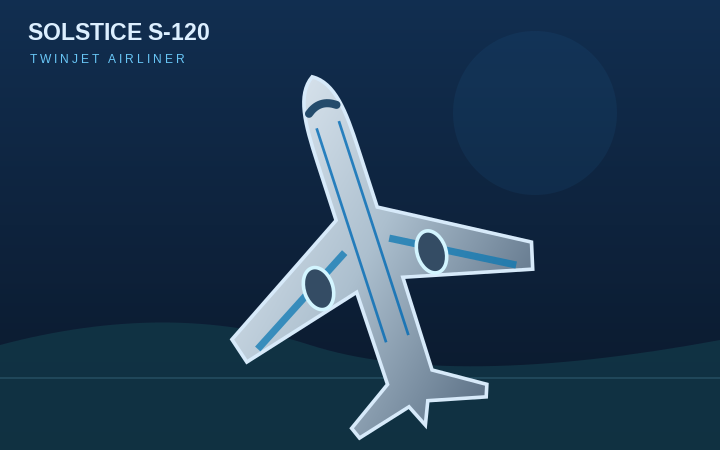
Civilian jet airliner with greater inertia, HUD and spoilers.
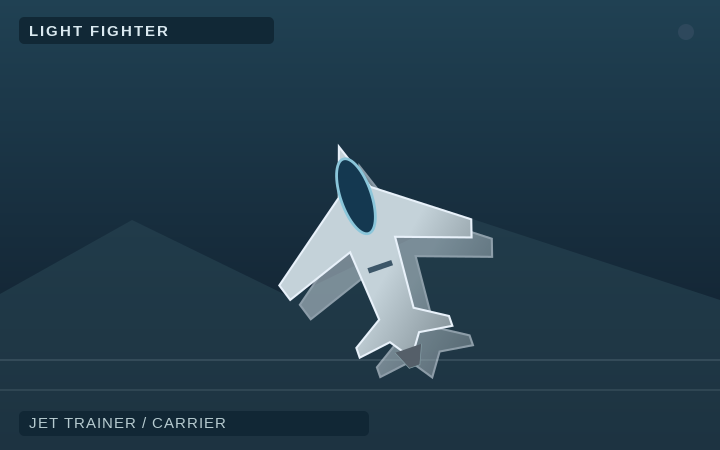
Responsive fighter jet with HUD, airbrake, guns and carrier hook.
Aircraft are fictional, with distinct simulated aerodynamic parameters. Equipment and airport eligibility vary by aircraft.
Use the keyboard or connect a flight stick such as the Logitech Extreme 3D Pro. In Settings → Controls, identify the device, map axes and buttons, calibrate the full range and check the live input indicators. Actual device recognition depends on the browser and Windows drivers.
| Action | Default keyboard |
|---|---|
| Pitch / roll / rudder | W S / A D / Q E |
| Throttle | ↑ / ↓ |
| Flaps / gear / brakes | F / G / B |
| Trim | [ / ] |
| Camera / reset view | C / V |
| Map / pause | N / P |
| HUD / speedbrake (equipped aircraft) | H / X |
| Fighter guns / carrier hook | J / K |
| Controls reference | F1 |
Use a current version of Chrome or Edge on a Windows PC with JavaScript, WebGL2 and graphics acceleration enabled. A dedicated GPU may improve performance, depending on browser and system configuration. The simulator loads its assets at startup. Choose a flight mode, select an aircraft and start flying.
Adjust render quality in Settings if frame rates are low. Use the Fullscreen button on the main menu for an immersive view. SKYBOUND is a recreational game with approximate flight physics, not an approved flight-training device.
Start flying